
By Precious Omatagiren
When you send a song for mixing, one of the most useful things you can include is a reference track. It takes two minutes to choose, and it can save you a whole round of revisions.
This guide explains what a reference track is, how to choose good ones, and how to tell your engineer what you like about them.
What is a reference track?
A reference track is a finished, released song that has the sound you want your own record to have. Your engineer listens to it to understand your target: how loud the vocal sits, how heavy the low end is, how wide the mix feels and how bright or warm it sounds.
Words like “clean,” “punchy” or “big” mean different things to different people. A song removes the guesswork, because everyone is listening to the same example.
Why reference tracks help
- They show your taste. Your engineer hears exactly what you like, not just what you say you like.
- They save time. A clear target means fewer rounds of “a bit more of this” and “a bit less of that.”
- They keep the mix honest. Engineers compare their work against a professional record to check the balance, the low end and the overall tone.
How to choose good reference tracks
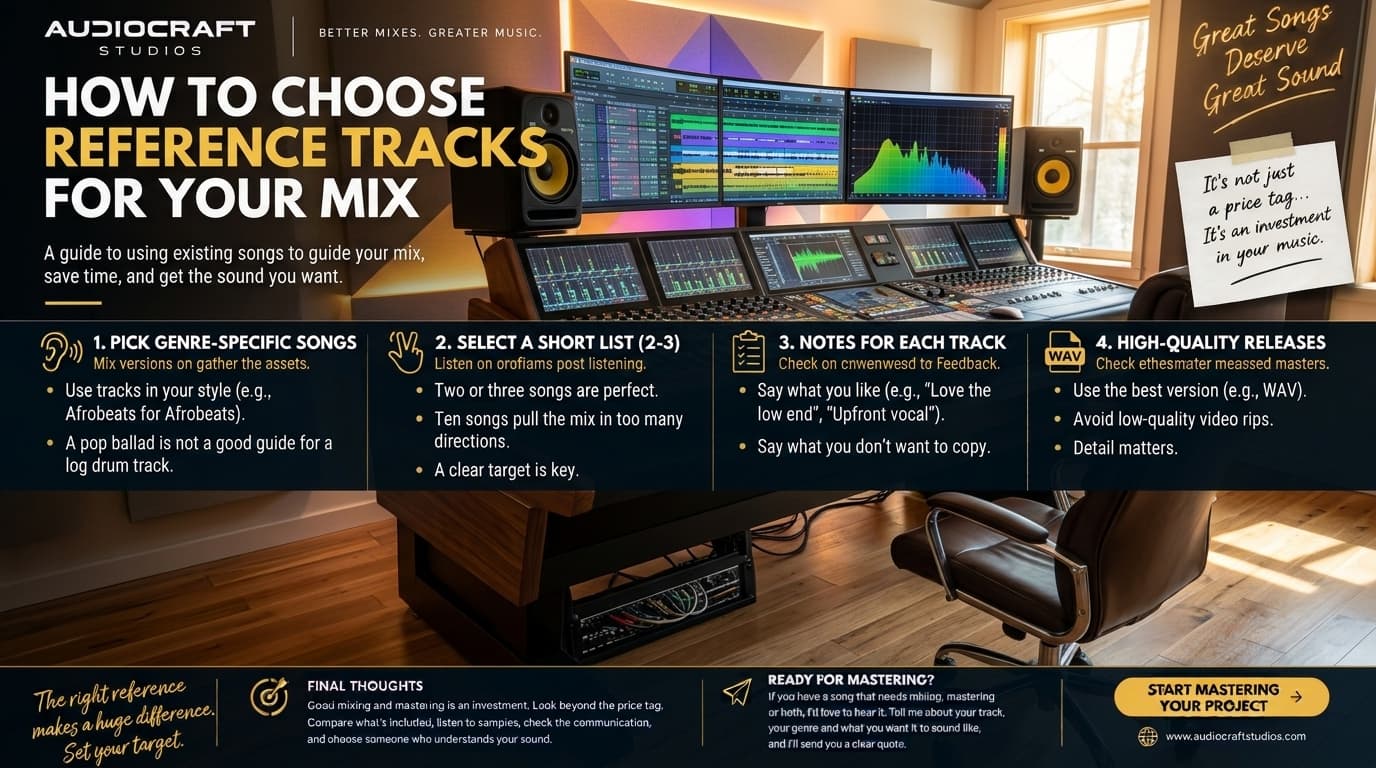
- Pick songs in your genre. If you make Afrobeats, choose Afrobeats records. A pop ballad is a poor guide for a track built on log drums and shakers.
- Choose two or three songs, not ten. A short list gives a clear direction. A long list pulls the mix in every direction.
- Choose songs you love the sound of. Think about how they sound, not just how much you like the song or the artist.
- Pick professional, finished releases. Use the best quality version you can, such as a WAV file or a high-quality download, not a low-quality video rip.
- Match the mood and tempo where you can. A song with a similar groove and energy gives your engineer a better comparison.
What to tell your engineer about each one
- Sending only a link isn’t enough. A short note on each song makes it useful.
- Say what you like. For example, “I like how upfront the vocal is,” “I want this much low end” or “I love how wide the backing vocals sound.”
- Say what you don’t want to copy. If one part of the song doesn’t suit yours, mention it, so nobody tries to match it.
- Name the part, not just the song. “The drums on this one, the vocal on that one” is more useful than “make it sound like this.”
When you send me your song, I’ll listen to your references first, so I know what you’re aiming for before I start.
Mistakes to avoid
- Choosing a song just because it’s popular. A hit song with a very different sound won’t help.
- Sending a reference that’s far louder than the mix. Mastering can raise the loudness later, so don’t judge a mix against a loud master.
- Expecting an exact copy. A reference shows the direction, not a clone. Your voice, your beat and your arrangement still make the song your own.
- Using low-quality files. A compressed file hides the detail your engineer needs to hear.
Quick checklist
- Two or three released songs in a similar style.
- High-quality versions of each.
- A line of notes on what you like about each one.
- Included in the folder with your stems, rough mix and notes.
Final thoughts
Reference tracks are the quickest way to show your engineer where you want to go. A good choice and a short note make the whole process smoother and bring the result closer to what you imagined.
Once your references are chosen, you can read my guide on how to prepare your session for mixing to get the rest of your files ready. If you’re not sure how mixing and mastering differ, read mixing vs mastering explained.
Send me your song and two or three references, and I’ll reply with a clear quote and a delivery date.
Leave a Reply